
Creating Masks with Polylines
To create masks, define all the areas with polylines for which you want to generate texture masks. Then, export these polylines in SVG format. It’s helpful to create a dedicated layer for this purpose, as you’ll need to select only the specific polylines to export.
Example: I need to cover certain areas with the Concrete01 texture.
- First, I create a new layer and place all the export-ready polylines there.
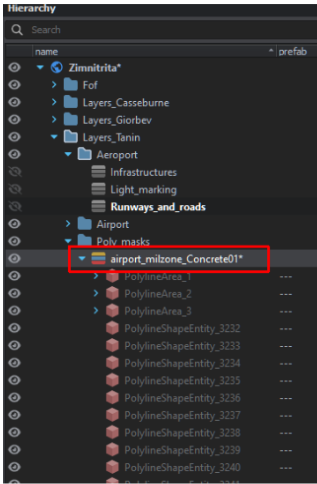
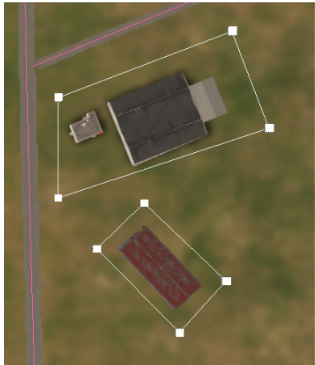
- Then, I draw the polylines, adjusting their colors as needed to differentiate them.
Tips
- Creating Polylines from Existing Splines or Polylines:
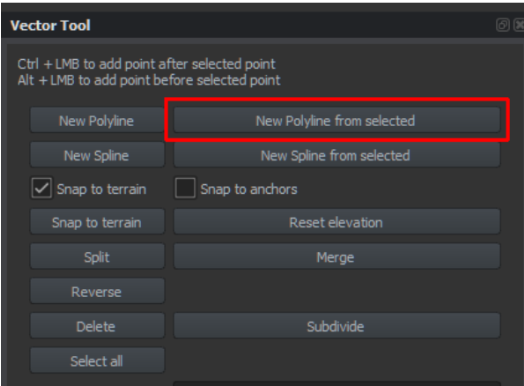
- Switch to the Vector Tool, select points from an existing polyline or spline.
- If you want to select all points, use the Select All button.
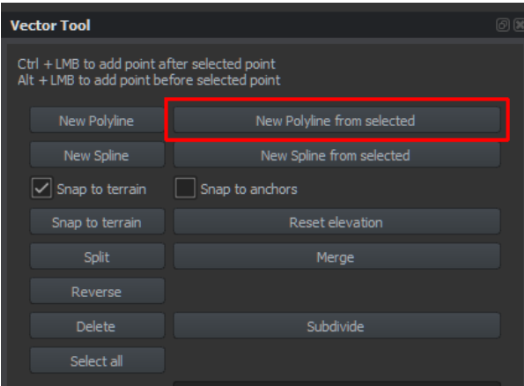
- Click New Polyline from Selected to create a new polyline from the selection.
- Creating Rectangles, Squares, or Circles:
- Start by creating a polyline with at least two points.
- Convert this polyline into a Polyline Area.

- Experimenting with Parameters and Buttons:
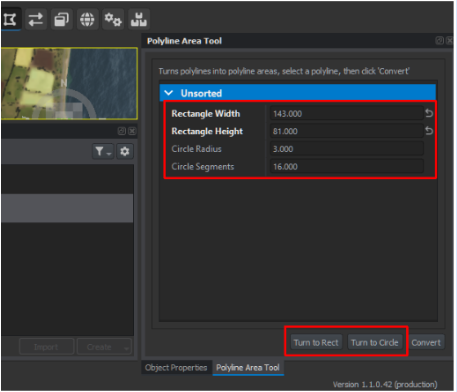
Adjust parameters and explore available options to get the desired results.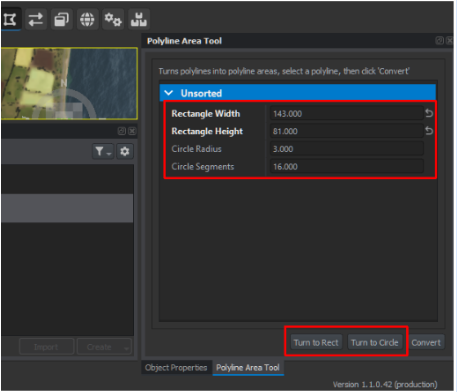

Examples of Results: This technique isn’t limited to creating masks; it can also be used for roundabouts, soccer fields, etc.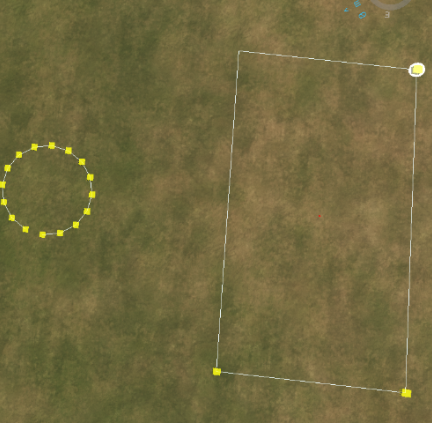
Limitation
Currently, I haven’t found a straightforward solution for creating masks for curved runway generators. After all, who needs curved runways, right? 😂 The default road generator lacks a Concrete (non-transparent) material, so until someone develops it, the only workaround is approximating curved roads with carefully placed polylines.
No comments to display
No comments to display