
Bake a road
Here is a tutorial on how to "Bake" a road to work more finely on the terrain.
To do this, simply place a road.
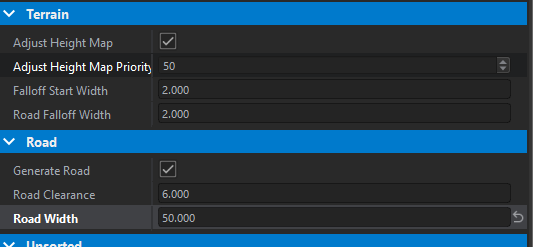
Then, you need to adjust the size of the road (if it's set to 12 by default, why not change it to 20) depending on what you want to achieve.
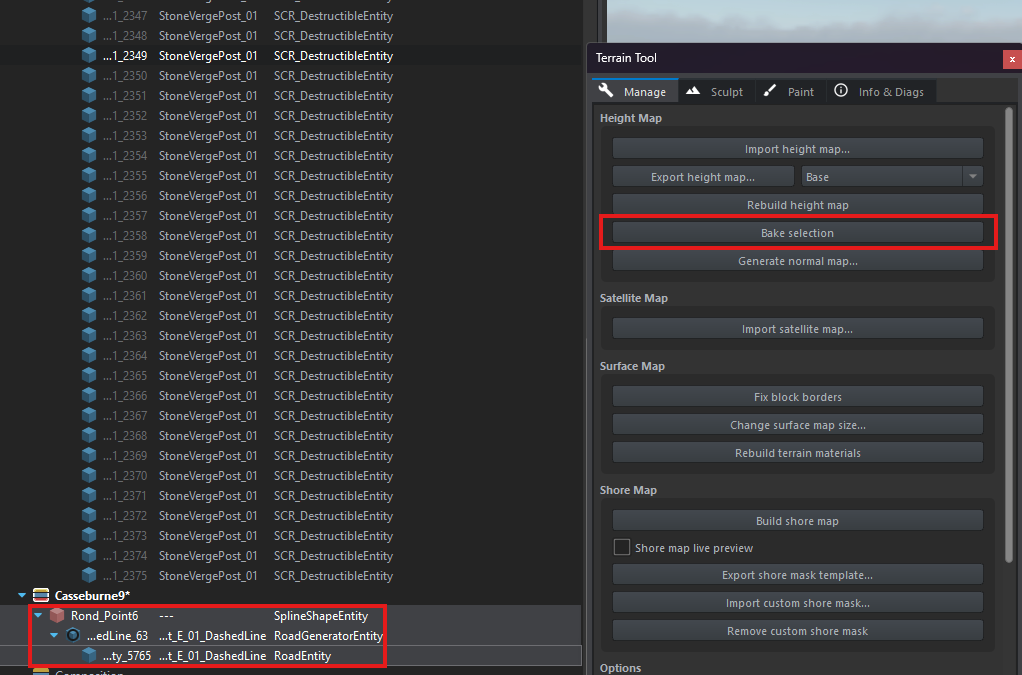
After that, select the spline, the generator, and the road entity → terrain tool → bake selection.
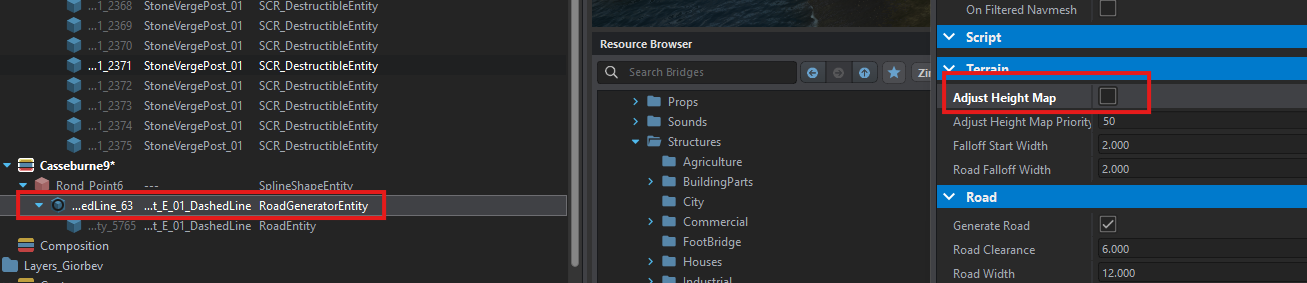
The selection is now baked. All that's left to do is to reset the size to default and uncheck Adjust Height Map.
No comments to display
No comments to display