Warning - How to Save Your Work and Correctly Use Enfusion Prefabs
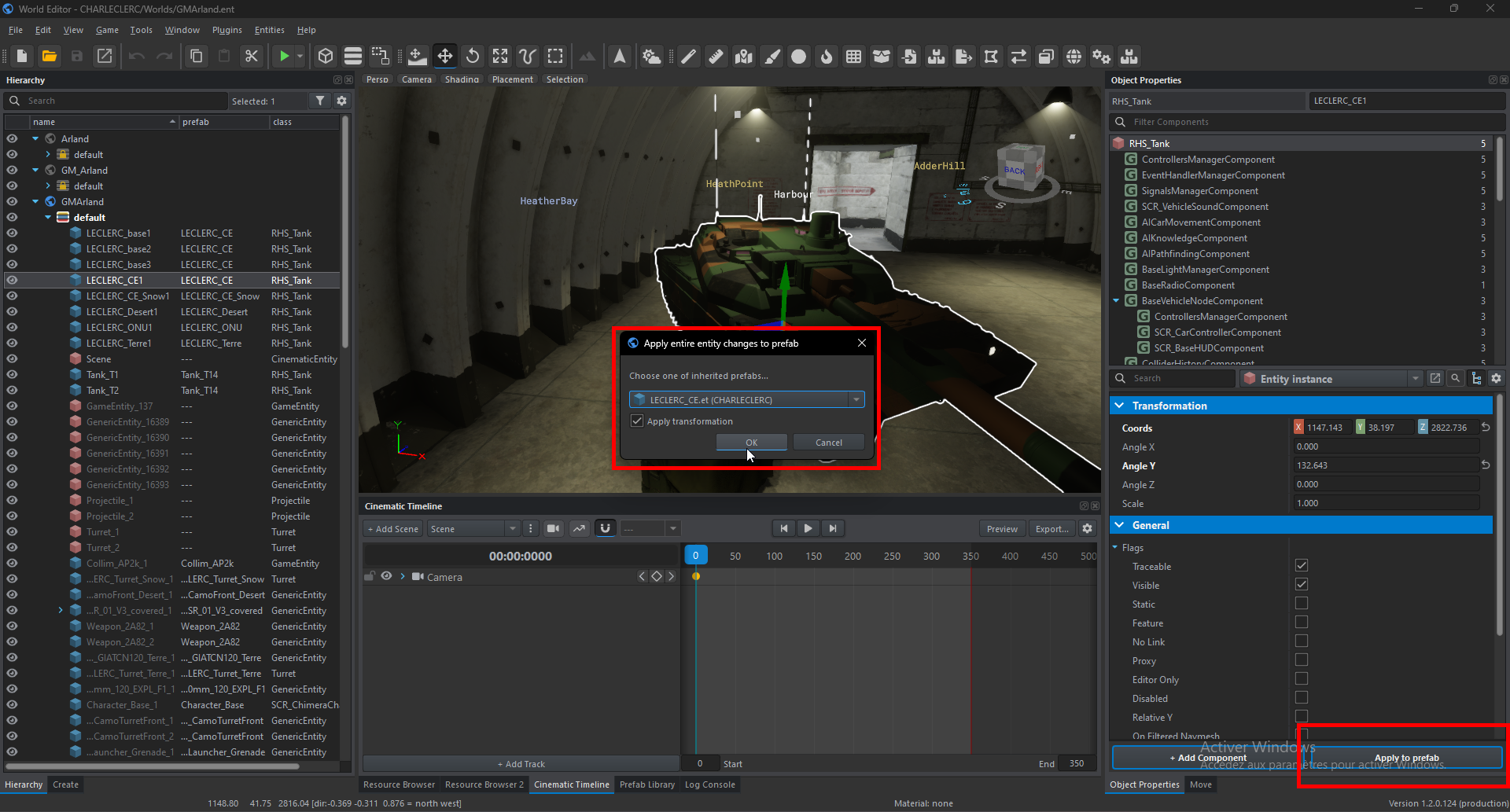
WARNING: In Enfusion, the World Editor is used to edit worlds but also to create or modify prefabs (which is what we’re doing). To modify prefabs, open the Resource Browser, locate your prefab, double-click on it, and click on Edit Prefab. From this point, you can modify your vehicle prefab or anything else (press Ctrl + S to save). If
You youcan closealso Enfusion,modify rememberprefab parameters by placing them in a world sub-scene. To save your changes, click Apply to followPrefab thisand method rather than openingselect the Worldprefab Editor fromin the mainwindow menuthat andhas thenjust searching for your prefab. /!\opened.