Prefab Building Creation
a - Prefab Création
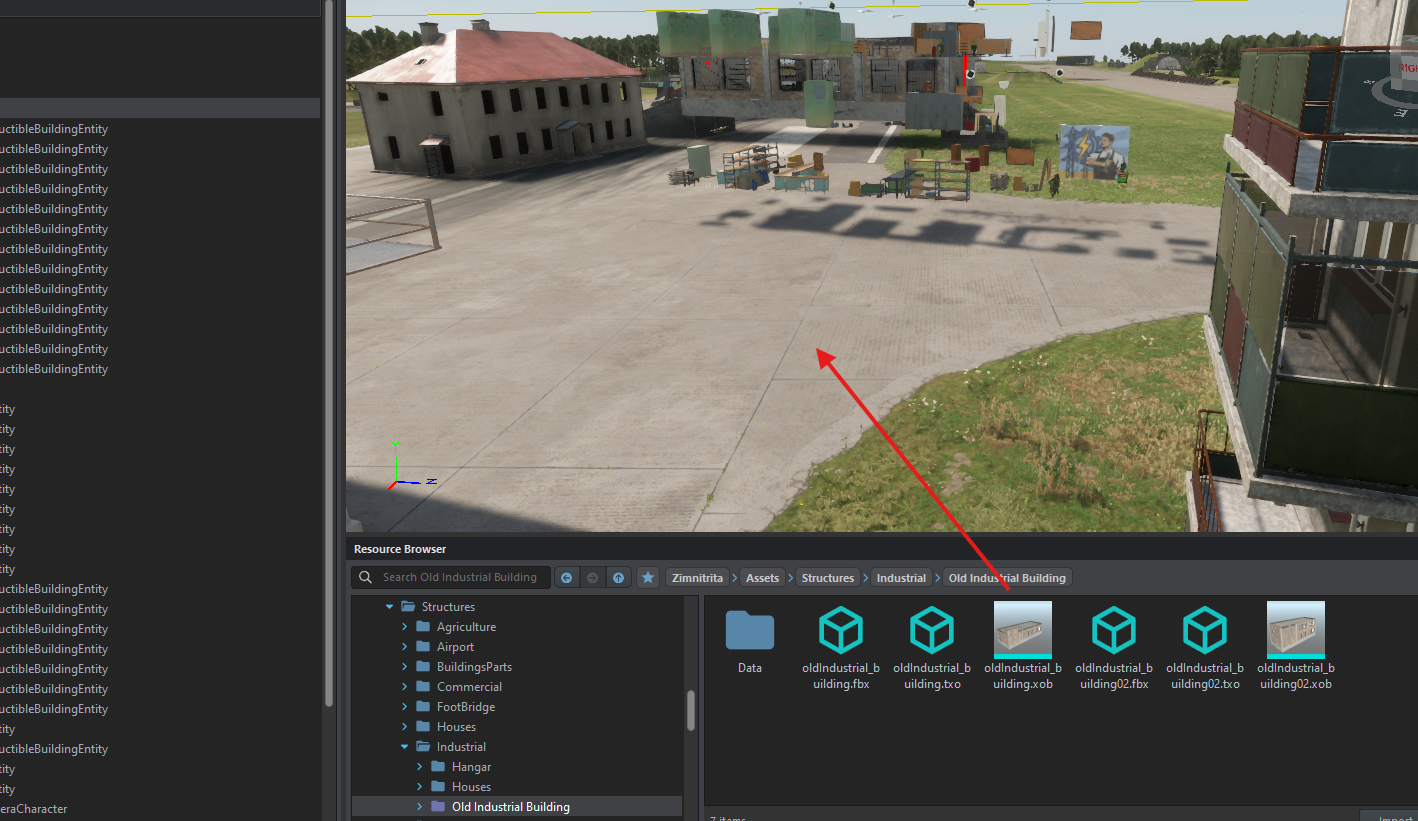
Open a custom world, drag and drop your XOB on your view port.
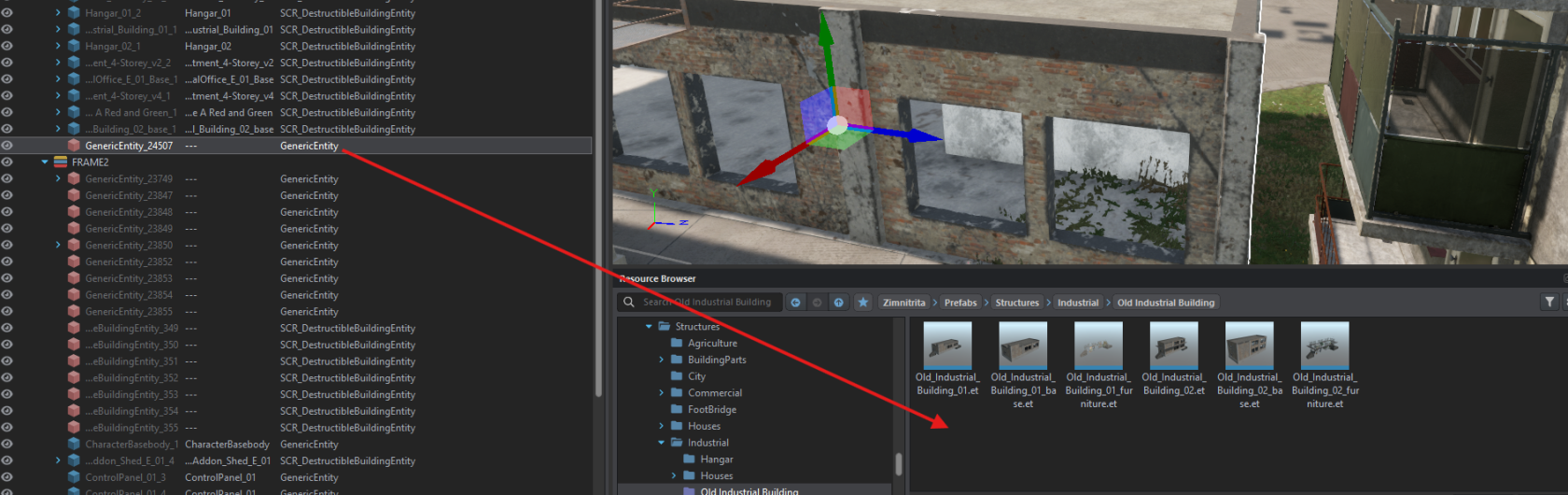
Take your generic entity en drag and drop on your ressource browser and give it a name like building_base
b - Add Component
Edit your prefab and on object properpy :
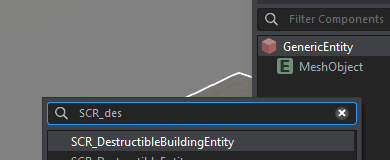
- Right clic on Generic entity--> change class --> SCR_destructibleBuildingEntity
- Check Relative Y and verify when "is
building"building" was check - Add RplComponent, Hierarchy, WorldSubsceneComponent
- Add RigidBody and check "
Static"Static" and "ModelGeometry"Geometry" - Save and your building is RIGHT
- Add Occluder
- Add Persistence and uncheck "Register Loaded"
- Add an SCR_DestructibleComponent on ArmaReforger/Prefab/Stuctures/Core/Destruction and add your building_ruin on prefab_ruin section of this component
c - Add probeVolume
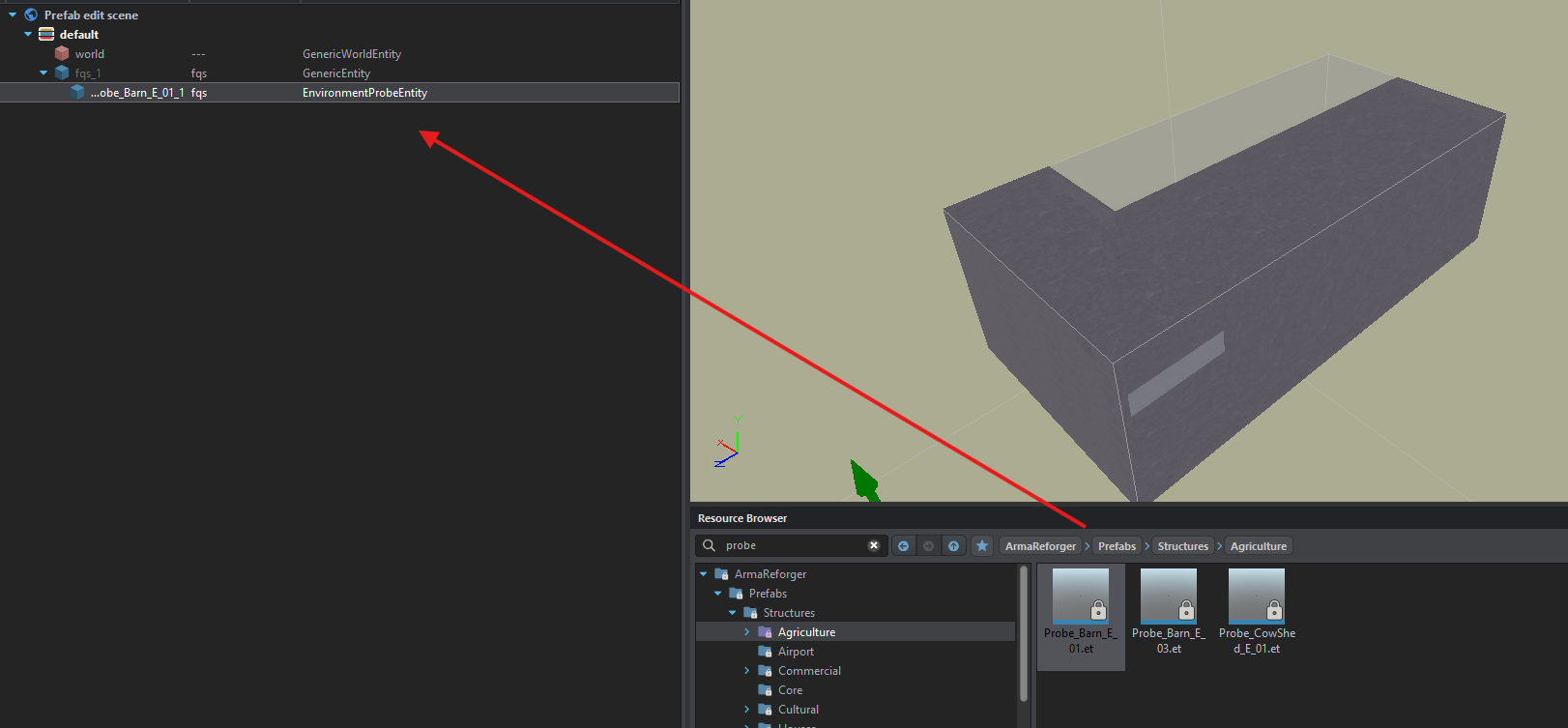
The volume probe allows you to have darkened buildings. To add more, simply search for “probe” and add it directly as a child in the building tree.
d - Add furniture
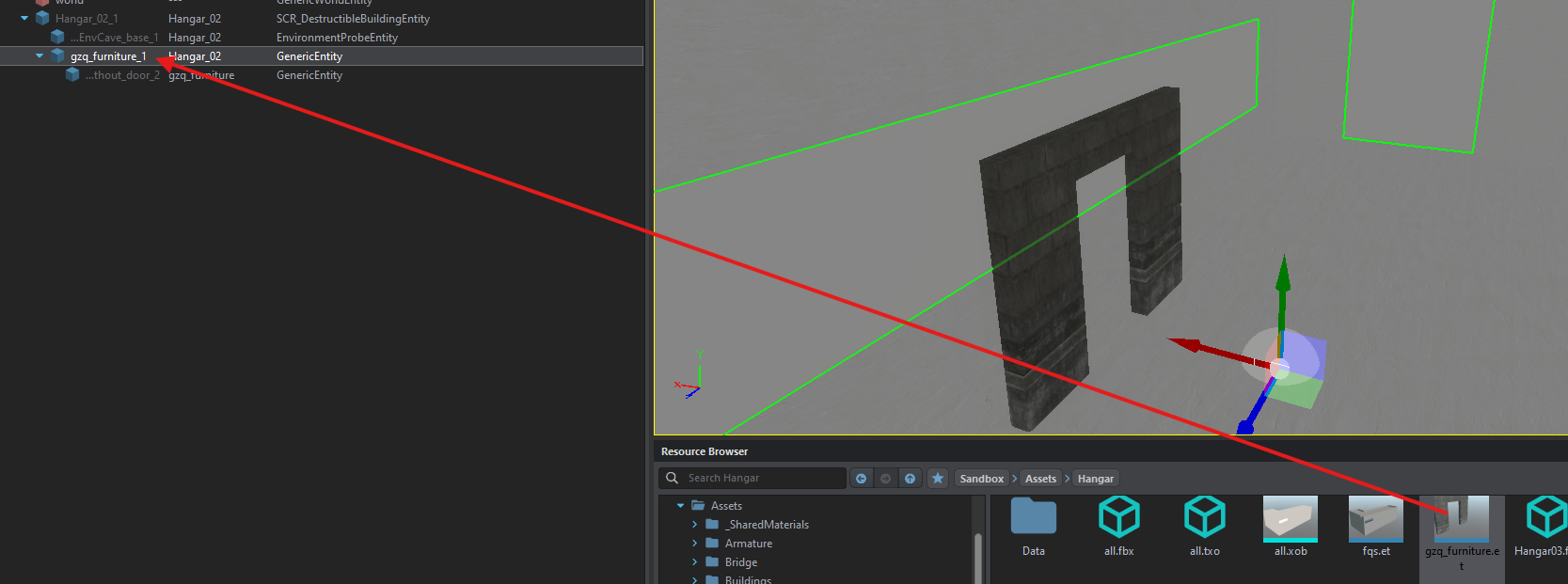
An empty building is fine, but a building full of supplies is better! Following the nomenclature, there's the empty “building_base” with a prefab inside, usually called “building_furniture”.
To do this, open a custom world, drop the prefab into the viewport, then add a genericentity in the viewport's tree at coordinates 0.0.0.
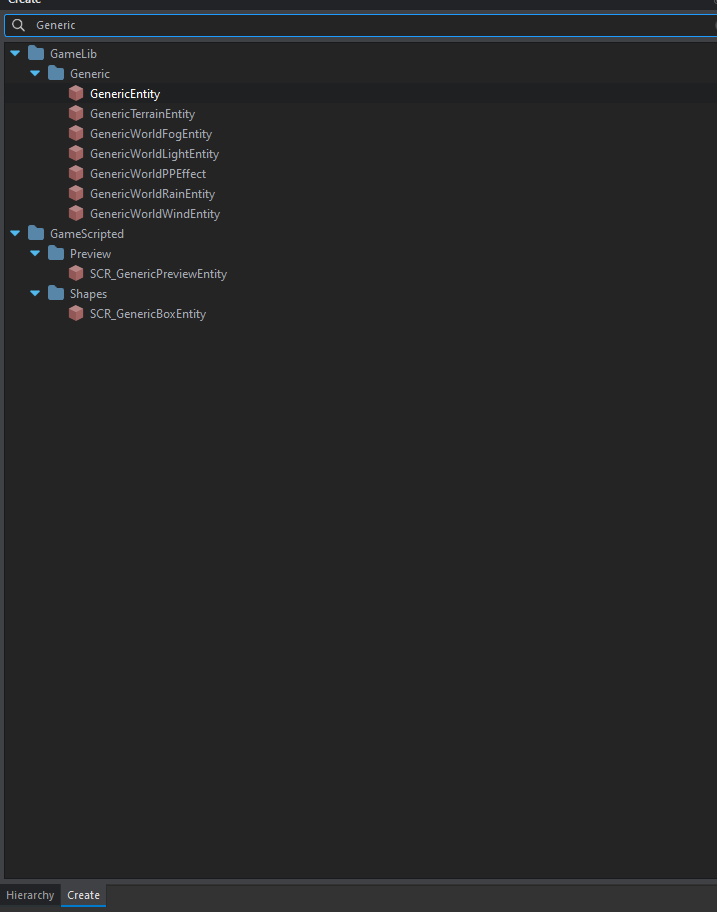

Then all the objects you place in the viewport must be put in the genericentity like this.
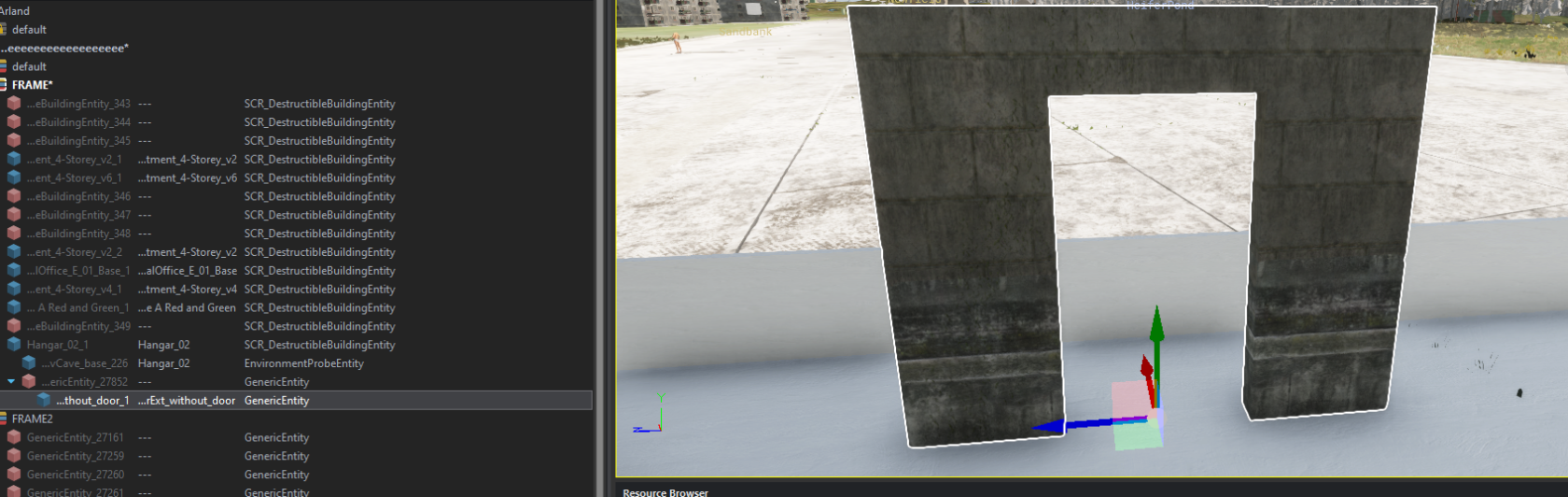
Then select the generic entity, move it to your building's resource browser and give it the name building_furniture.
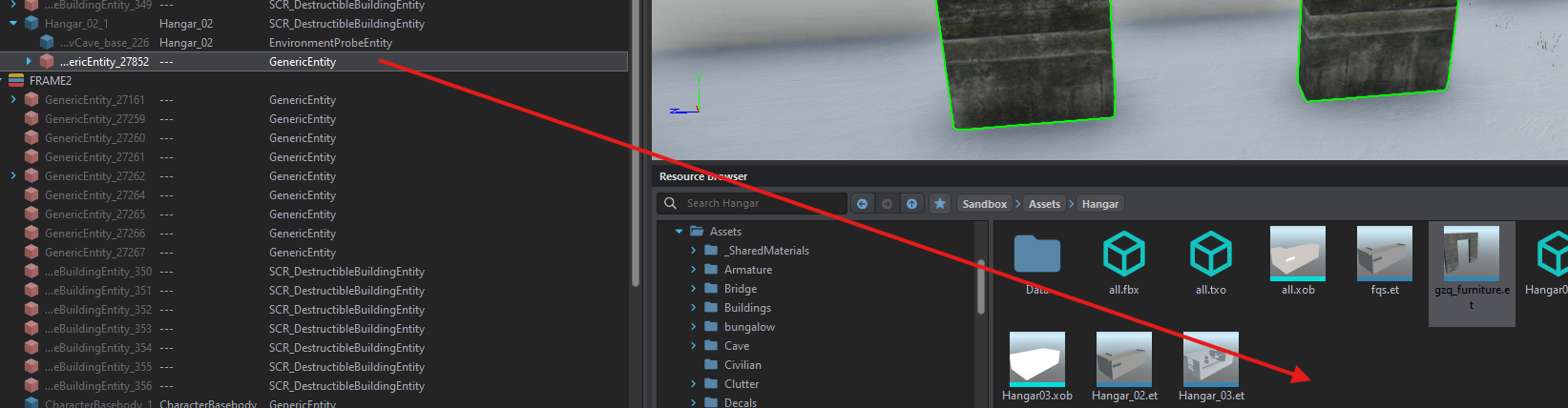
Duplicate your batiment_base and give it the name of the building --> edit it
Finally, move the building_furniture into the building tree, as the generic entity was at coordinates 0.0.0, the furnitures will be in the same place where you placed them.