Import and modification in Enfusion Tool
a - Import
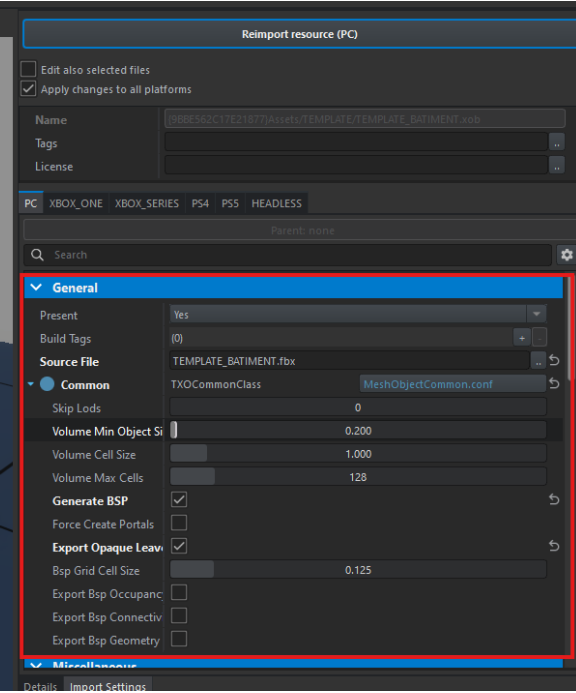
Once imported, select the XOB file and modify the following properties:
- Go to General → Source File → select your FBX file.
- Check Generate
BSP &BSP, Export Opaque Leave.& Export skinning - Click Import to finalize the import.
b- Modificaiont of the Emat
Go to the emat concerning -> change class -> MatPBRMulti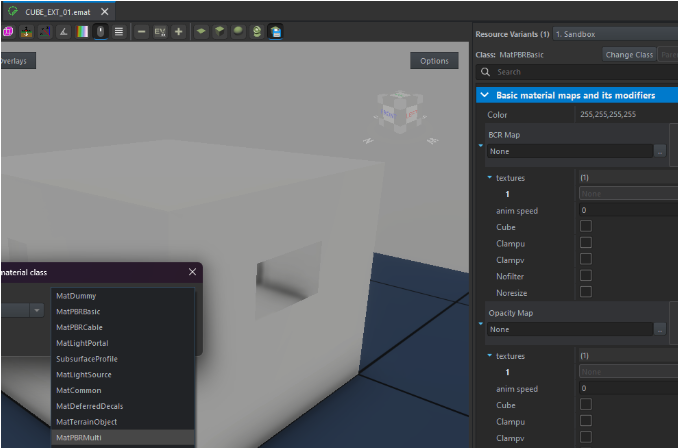
Import your texture masks:
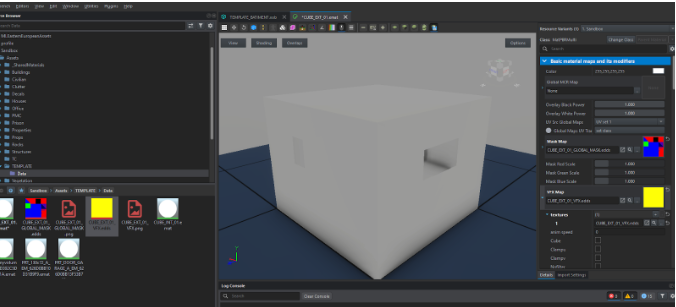
- Place the global mask in the Mask Map.
- Place the VFX mask in the VFW Map.