# Change loading screen of a scenario
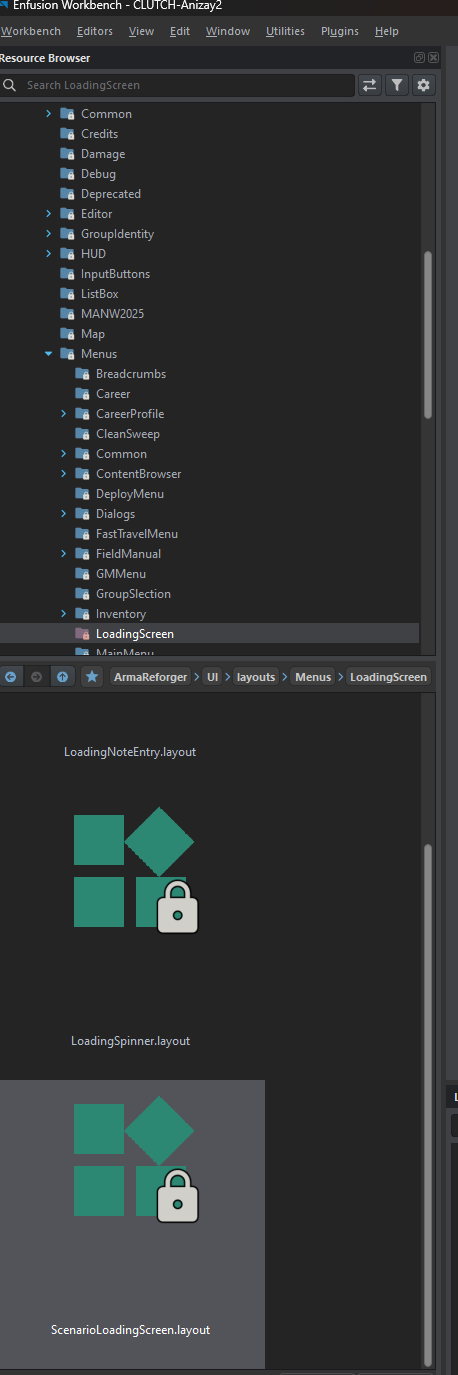
To change the loading screen, you need to override the connection UI.
[](https://wiki.nabla.sh/uploads/images/gallery/2025-03/image.png)
Override this layout: [https://enfusionengine.com/api/redirect?to=enfusion://ResourceManager/$ArmaReforger:UI/layouts/Menus/LoadingScreen/ScenarioLoadingScreen.layout](https://enfusionengine.com/api/redirect?to=enfusion://ResourceManager/$ArmaReforger:UI/layouts/Menus/LoadingScreen/ScenarioLoadingScreen.layout)
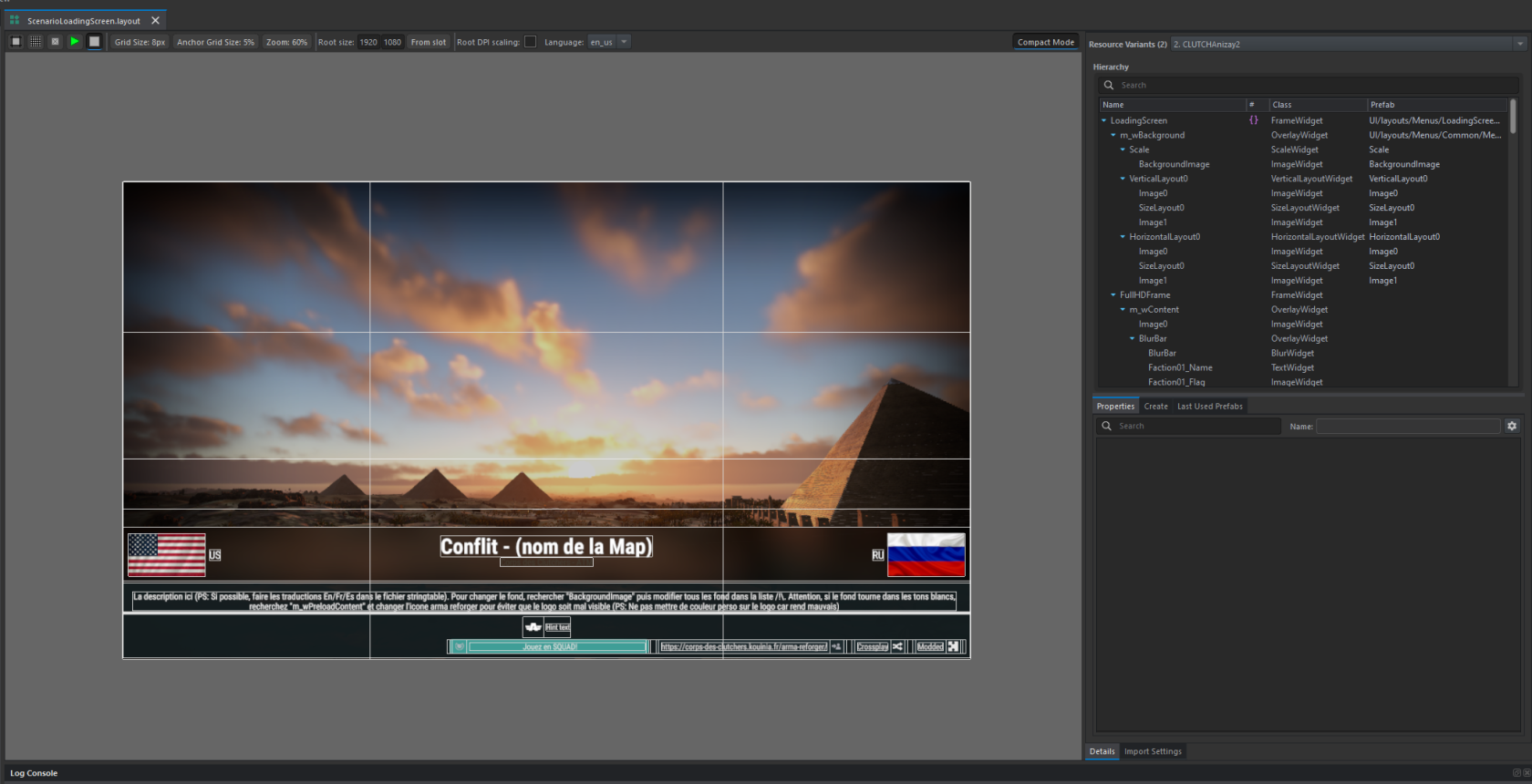
You will arrive on this screen where you can customize everything.
[](https://wiki.nabla.sh/uploads/images/gallery/2025-03/N24image.png)