Putting the componenet on a npc does not seem to be working therefore you need to put an prefab (i recommand putting for exemple a prefab in link with the farm)
##### - ****EL\_restrictedInventoryStorageCompinent****: this component seem to be the one who are filtering the item you can exchange [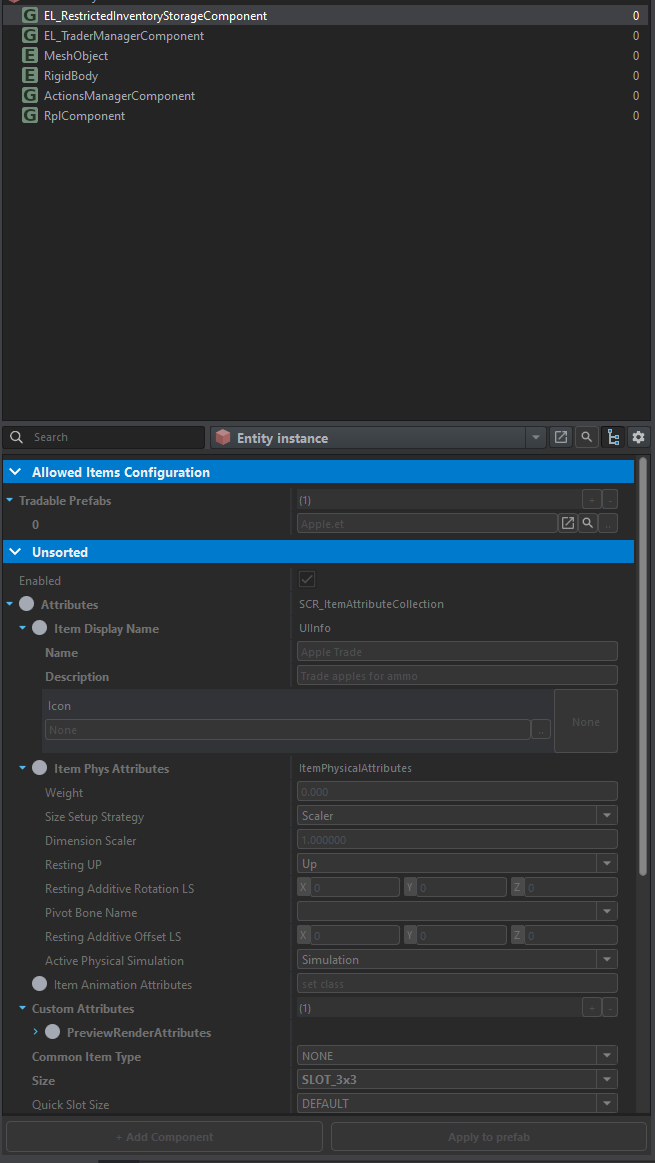](https://wiki.nabla.sh/uploads/images/gallery/2024-12/CyGimage.png) we see here at the begining the item that the prefab take (in the exemple it's an apple) ##### ****- EL\_TraderManagerComponent**** [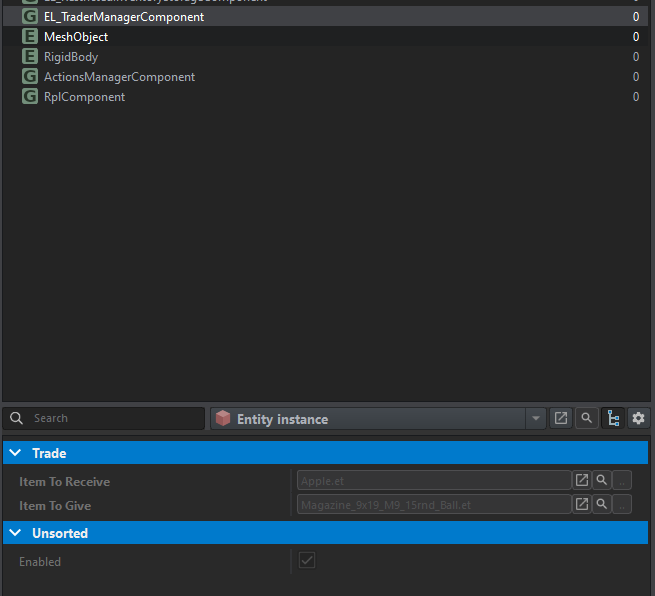](https://wiki.nabla.sh/uploads/images/gallery/2024-12/DITimage.png) This component is therefore used to take an item and exchange it for another. ##### ****- Action manager**** [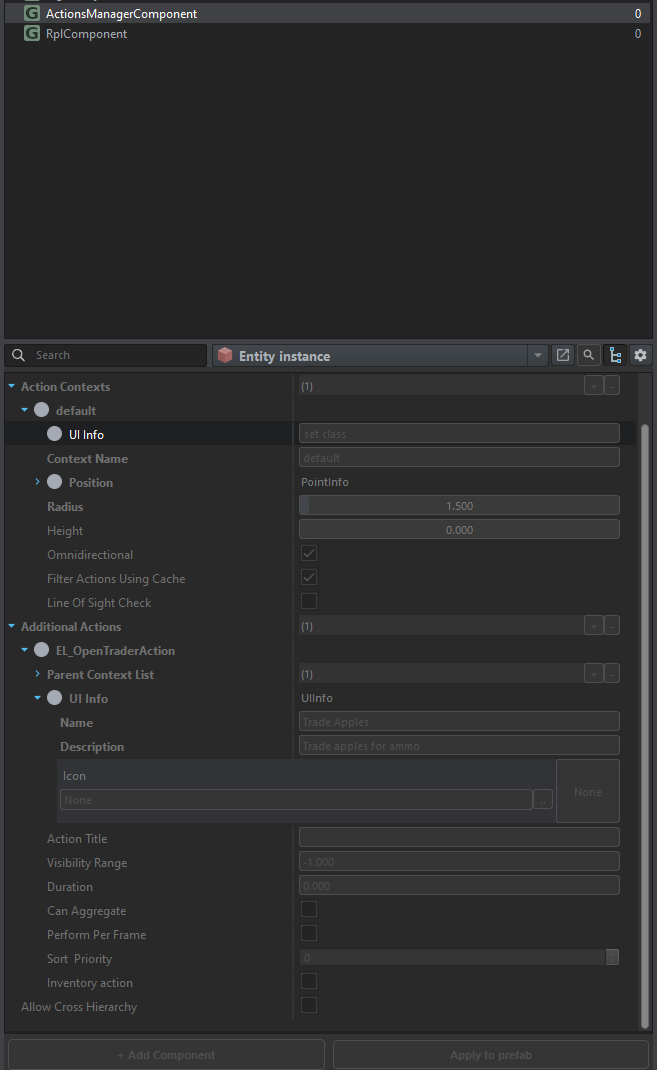](https://wiki.nabla.sh/uploads/images/gallery/2024-12/JOWimage.png) # Create a transform building we are using the same everon and looking after the ciment process: [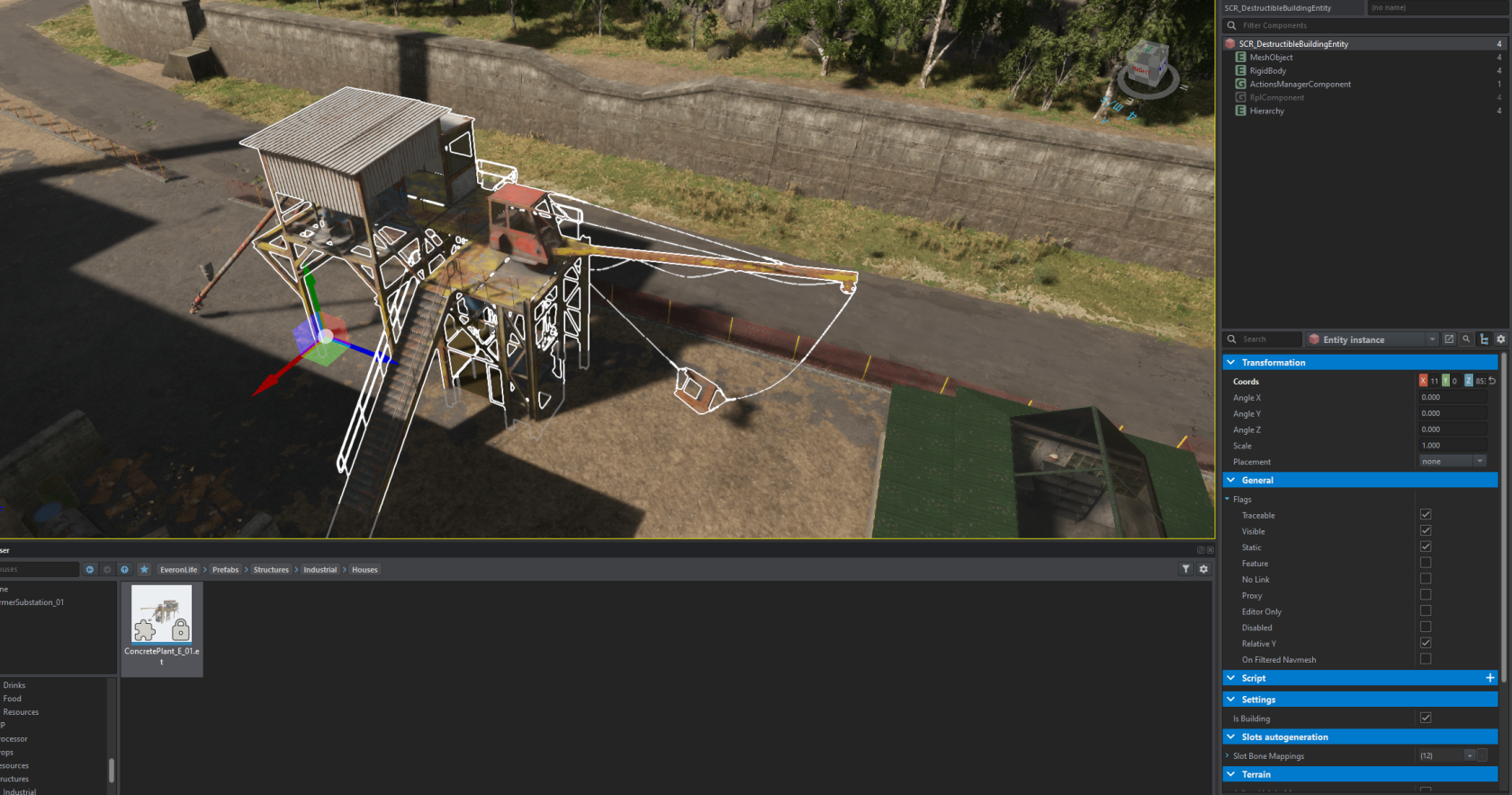](https://wiki.nabla.sh/uploads/images/gallery/2024-12/7Dvimage.png) when looking to the action manager we have information on how its working: [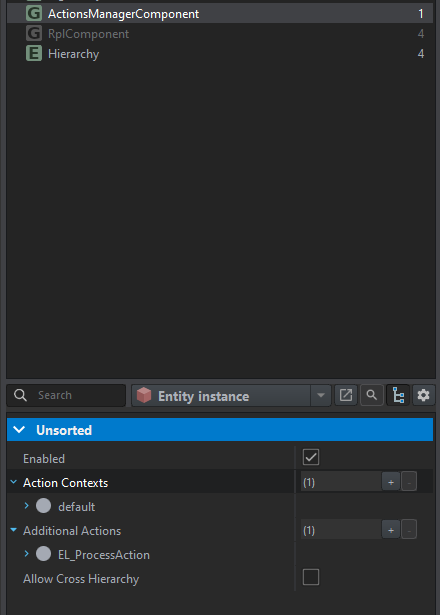](https://wiki.nabla.sh/uploads/images/gallery/2024-12/hQ2image.png) as we can see we have 3 input prefab and 1 output: [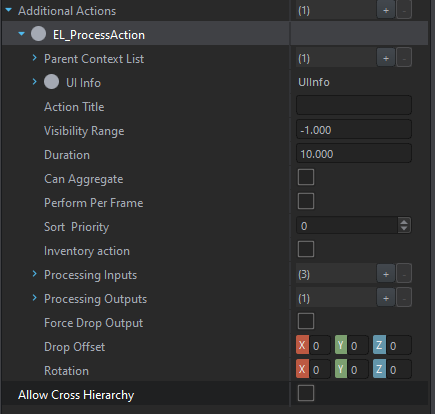](https://wiki.nabla.sh/uploads/images/gallery/2024-12/Ferimage.png) we need to collect all 3 to get the output, as we can see we can tell how many of each ingrediant we need: [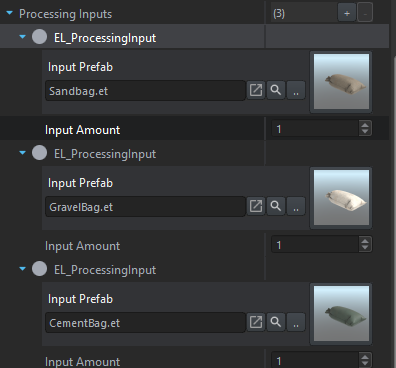](https://wiki.nabla.sh/uploads/images/gallery/2024-12/Erbimage.png) After that we put whta prefab as an output we have and select how many we have: [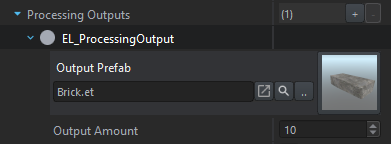](https://wiki.nabla.sh/uploads/images/gallery/2024-12/QbPimage.png)